
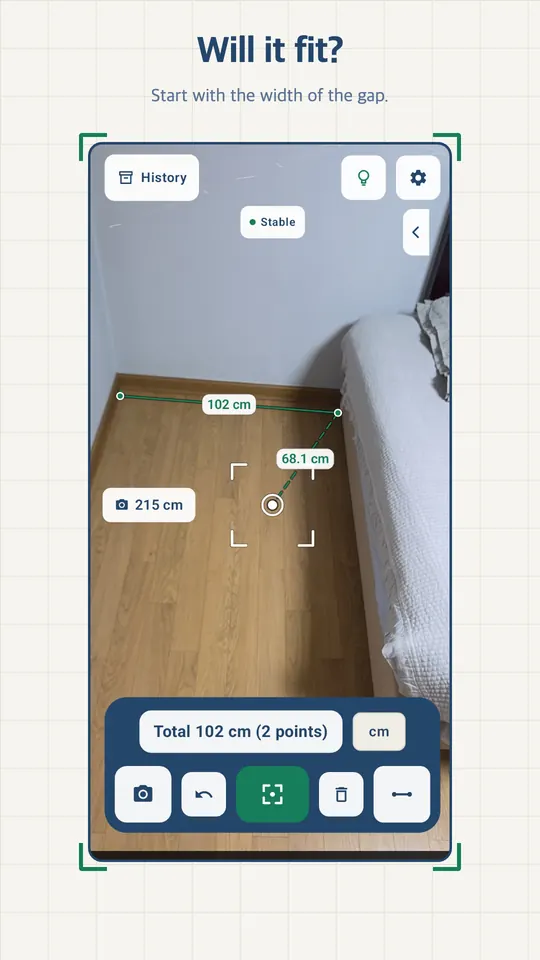
Will it fit?
Point your camera at the gap, tap the two ends, and the length is right there. AR Tape Measure reads length, width and height with your Android phone and keeps every result as a photo with the dimensions drawn on it.
What you can measure
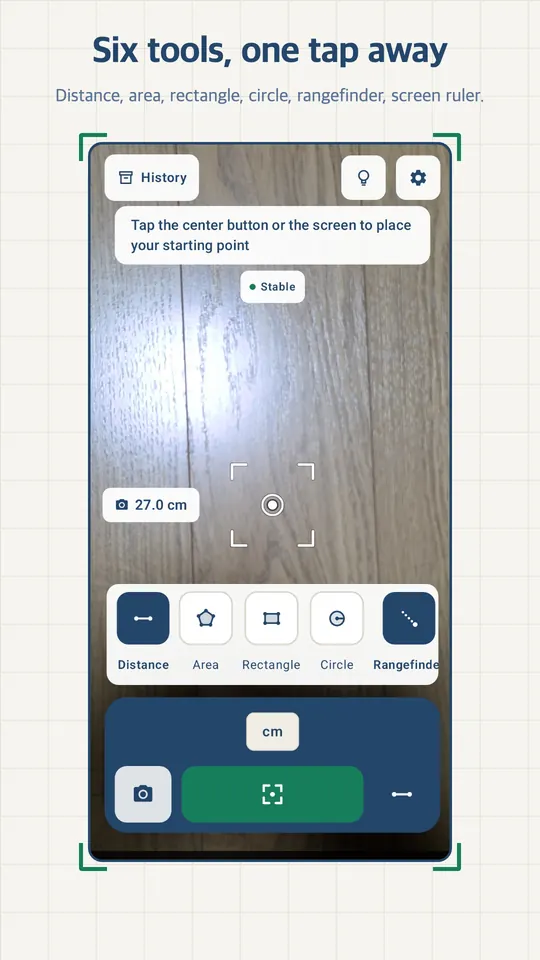
- Distance
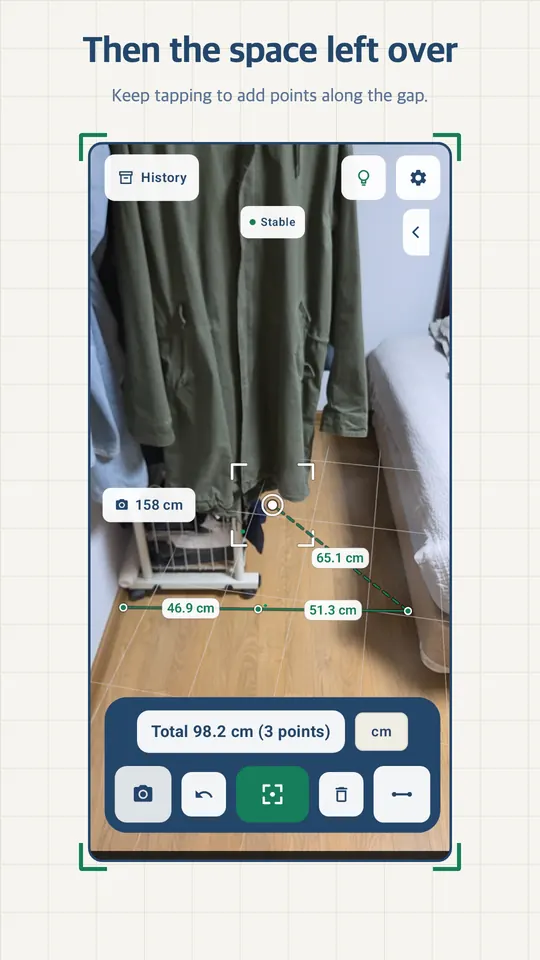
The length between two points: the width of a gap, the spot a cabinet has to go, the clearance above it. Keep tapping to add points and get the total along a path.
- Area
Floor and wall area, with the perimeter alongside it.
- Rectangle
Tap three corners for both sides and the area at once.
- Circle
Tap the center and an edge for diameter, circumference and area.
- Rangefinder
Live distance to whatever you aim at, no tapping.
- Screen Ruler
Hold a small object against the screen and read it off the scale. No camera needed.
Units: mm, cm, m, in, ft and yd. Area follows the unit you pick.
How a measurement goes
- Scan the surface
Point the camera at the floor or wall you are measuring on and move the phone slowly. The app tells you when it has the surface.
- Aim and tap
Tap the start point, then the end point. Corners snap on their own, and the length shows up as you move.
- Keep the photo
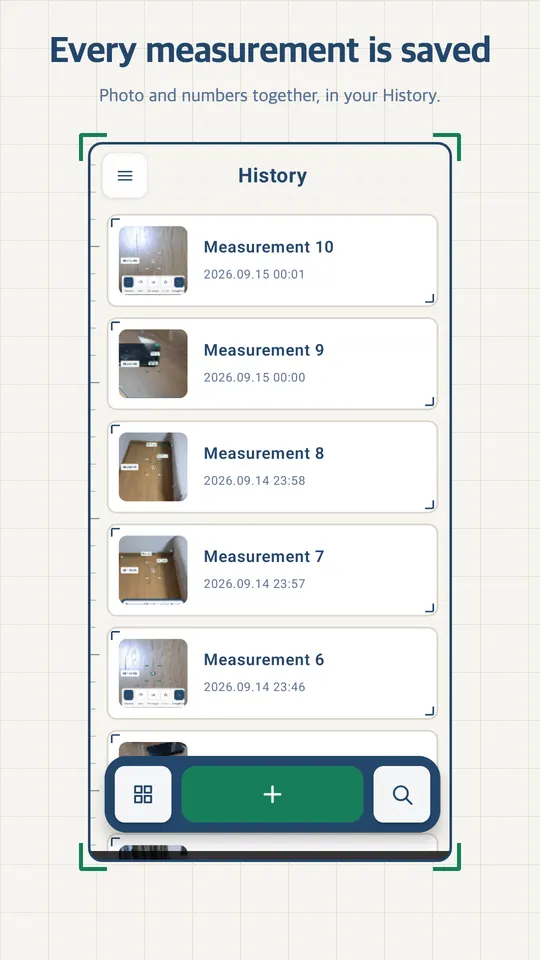
Save the shot with the dimensions drawn on it. It goes to your measurement history and your gallery.
Where it is accurate, and where it is not
| Bright, textured surfaces | Most accurate. Wood floors, tiles, patterned walls, furniture edges. |
|---|---|
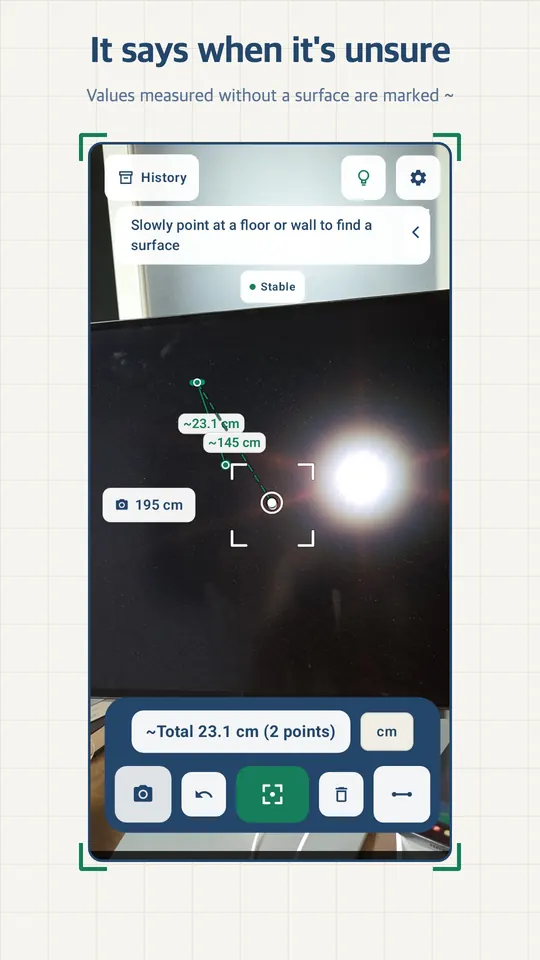
| Blank white walls, dim rooms, very small objects | The error widens. The app asks you to move the phone slowly, and refuses to place a point when the reading would be wrong, such as picking up the floor behind an object. |
| Millimeter work | Not what it is for. It is a quick everyday tape measure for deciding whether something fits, not a surveying instrument. |
Guides
Short answers to measuring questions, written for people standing in a room with a phone.
Square footage calculatorCalculate ft² and m², add sections, or convert area units.- How to Measure Clearance Above a Top Load Washer
How to measure clearance above a top load washer with your phone, so the lid can open fully without hitting the shelf above it.
- How to Measure Sofa Diagonal Depth With Your Phone
How to measure sofa diagonal depth, the straight line from the top back corner to the bottom front edge, from the side with a phone.
- How to Measure Washer Dryer Closet Depth and Hose Space
How to measure washer dryer closet depth with your phone, and why the space behind the machine for hoses and vents is a second number to check.
Screenshots
Questions
Will it run on my phone?
It is an Android app and needs Google Play Services for AR (ARCore). Google keeps the list of supported phones; if yours is on it, the app shows up for you on Google Play. Supported phones
How accurate is it?
Accurate enough to tell whether the fridge fits in the gap, on a well-lit textured surface and with the phone close to the points you tap. It is not a replacement for a tape measure when millimeters matter, and the app says so rather than showing a number it is not sure of.
Which units can I use?
Millimeters, centimeters, meters, inches, feet and yards. Area follows the unit you pick, so feet give square feet. In the United States the app starts out in feet.
Where do my measurements go?
Each saved measurement is a photo with the dimensions drawn on it, kept in the app's history and in your phone's gallery.
Is there an iPhone version?
Right now AR Tape Measure is an Android app on Google Play.